
Let’s face it: nothing is more frustrating than preparing for a movie marathon, only to be interrupted by a cryptic message like “Hulu Error Code 5003” or “P-DEV320” appearing on your screen.
If you are dealing with Hulu buffering, random app crashes, or a black screen with an error code, you are not alone. While Hulu doesn’t publish an official glossary for every single glitch, most Hulu streaming issues share a common root cause—and more importantly, a simple, proven fix.
In this comprehensive guide for TheLisTree readers, we’ve thoroughly researched and cross-referenced top support forums to compile the complete, definitive list of Hulu error codes. We’ll walk you through tested troubleshooting steps so you can fix your playback and get back to streaming.
Quick Fixes for Hulu Errors
(If you are in a rush, here is the TL;DR on fixing 90% of Hulu crashes.)
- The 60-Second Reboot: Unplug your streaming device and modem from the wall for exactly one minute to clear corrupted RAM and cache.
- Authentication Resets: If facing Error 400 or P-EDU101, completely logging out of the Hulu app and logging back in will force a new, uncorrupted session token.
- VPN Disconnect: Hulu’s geo-locking is exceptionally strict. Turn off all VPNs or ad-blockers to immediately resolve Error 16 or BYA-403-007.
Quick Lookup Table: All Hulu Error Codes
When an error code pops up, it acts as a diagnostic tool. Below is our exhaustive quick-reference lookup table containing every major error code documented across tech forums, along with the most effective immediate solution.
| Hulu Error Code | Primary Technical Cause | The Quickest Fix |
|---|---|---|
| Error 3, 5, -3, -5 | Internet Timeout / Dropped Packets | Restart your router and run a speed test. |
| Error 16 | “Invalid Region” (VPN Detected) | Disable any active privacy VPNs or proxy servers. |
| Error 21 | App Data Corruption | Navigate to device settings and clear the app cache. |
| Error 94 | CDN Loading Timeout | Power-cycle your streaming device and modem. |
| Error 97 | Cache Overload Exception | Please close the Hulu app and reopen it. |
| Error 400 | Authentication Token Expired | Log out of your Hulu account and log back in. |
| Error 500 | Internal Server Error | Servers are full; wait 15 minutes. |
| Error 503 | Service Unavailable / Overloading | Servers are completely full; wait 15 minutes. |
| Error 504 | Gateway Timeout | Hulu servers are failing to communicate; wait it out. |
| Error 0326 | Outdated Setup / Incompatibility | Update your Hulu app to the newest version. |
| Error 2203, 3322, 3343 | DRM / HDCP Protected Content Block | Ensure you use an HDCP-compliant HDMI cable. |
| Error 5003 | Device Hardware Processing Fail | Unplug your TV/Stick for a full 60 seconds. |
| BYA-403-007 | Strict Geoblocking / ISP Blackout | Turn off network privacy masks or switch Wi-Fi. |
| P-DEV318, 320, 322, 323 | Media Player Communication Drop | Restart the device; check Downdetector. |
| P-EDU101 | Enterprise/School Firewall Block | Switch your connection to a cellular hotspot. |
| PLYBCK_108 | Frame Decoding Fault (Often iOS) | Restart your Apple TV or iOS device. |
| RUNUNK13 | Generic Video Player Crash | Update the Hulu app through your digital store. |
Detailed Error Breakdowns
If the quick table didn’t help you, here’s a full list of the most common error codes:
1. Connectivity Errors: 3, 5, 94, and 5003
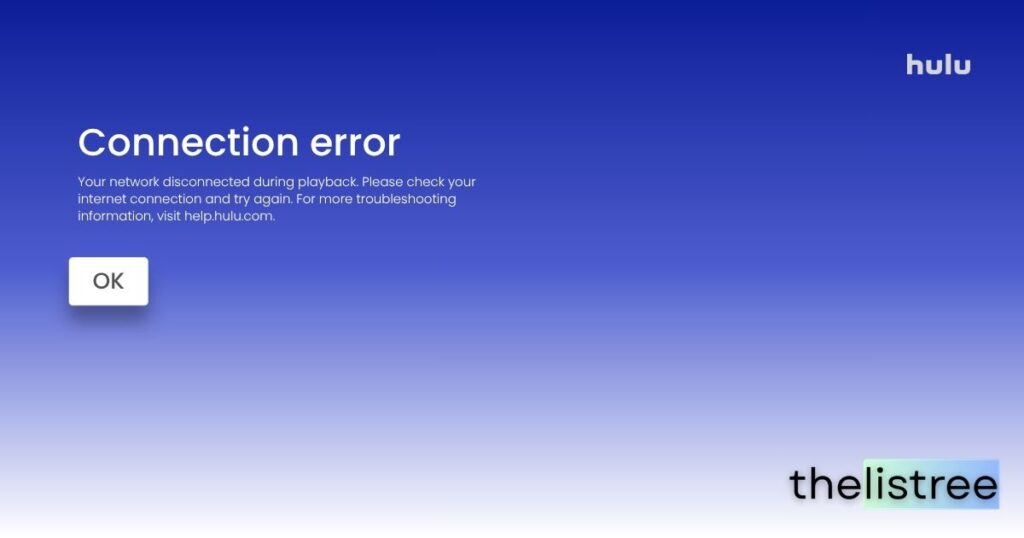
- What it means: These are classic internet connectivity diagnostic errors. They indicate that the Hulu app has timed out while attempting to fetch data because of an unstable broadband connection, or your hardware failed to decode the incoming data stream (Error 5003).
- The advanced fix: Restart your router. Run a speed test on your device (you need a sustained 8 Mbps for Live TV streaming). If using Wi-Fi, consider running a direct, wired Ethernet connection to your smart TV or Roku.
2. Authentication Errors: 400 and P-EDU101
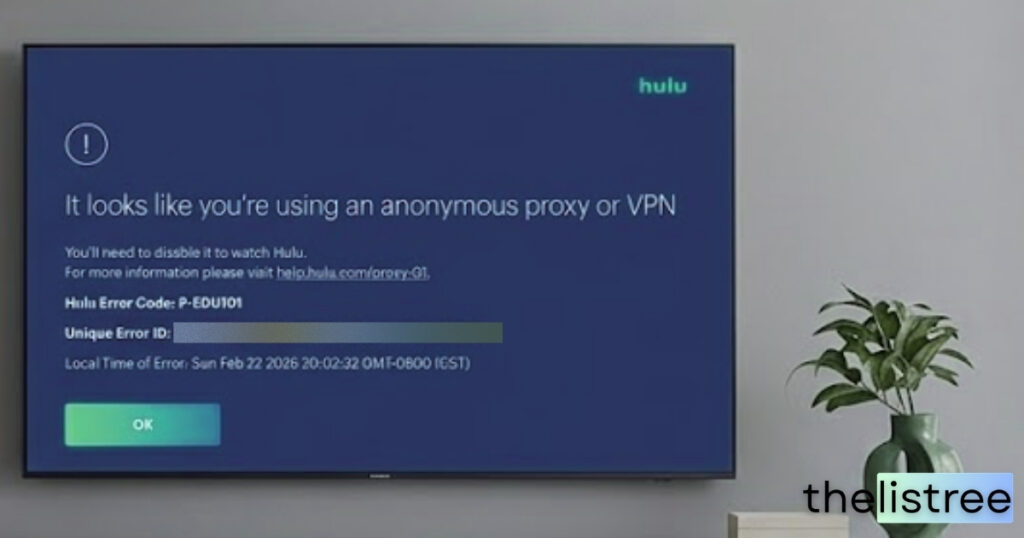
- What it means: A breakdown in account authentication. The streaming device’s stored login token has expired. In the case of P-EDU101, an enterprise network firewall (like at a school or office) is actively blocking Hulu’s verification servers.
- The advanced fix: Log out of the Hulu app completely and log back in to force the generation of a new token. If you are on a public network, switch to cellular data.
3. Server Errors: 500, 503, 504, and P-DEV Codes
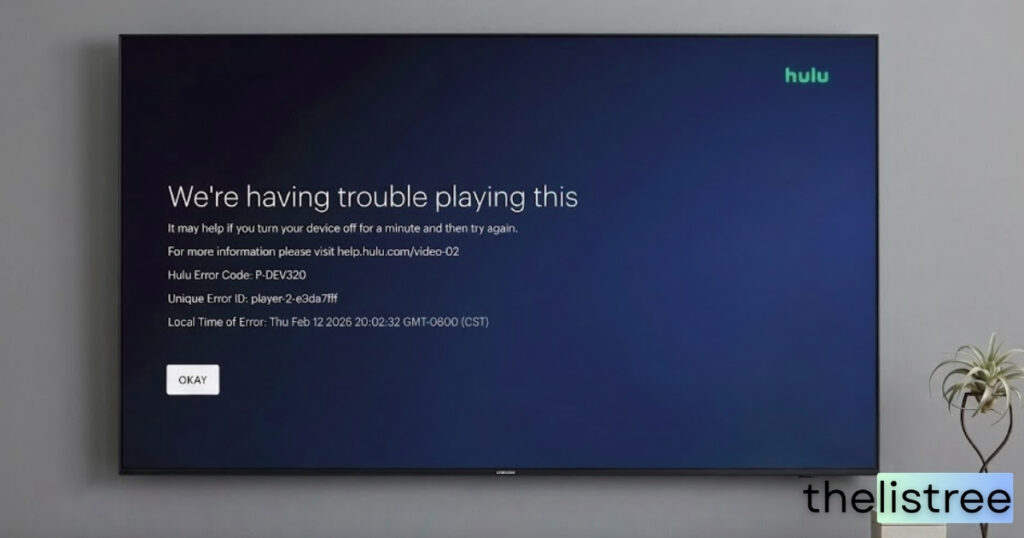
- What it means: Standard HTTP server errors. This means the problem is entirely on Hulu’s backend servers, preventing them from serving the requested content. P-DEV codes act similarly, signaling a communication drop between your app and Hulu’s infrastructure.
- The advanced fix: You cannot resolve HTTP server errors locally. Please check a status site such as Downdetector and wait for Hulu’s engineering team to address the outage. For P-DEV codes, clearing your app cache sometimes forces a fresh server ping.
4. Player Crashes: RUNUNK13, 0326, 21, and 97
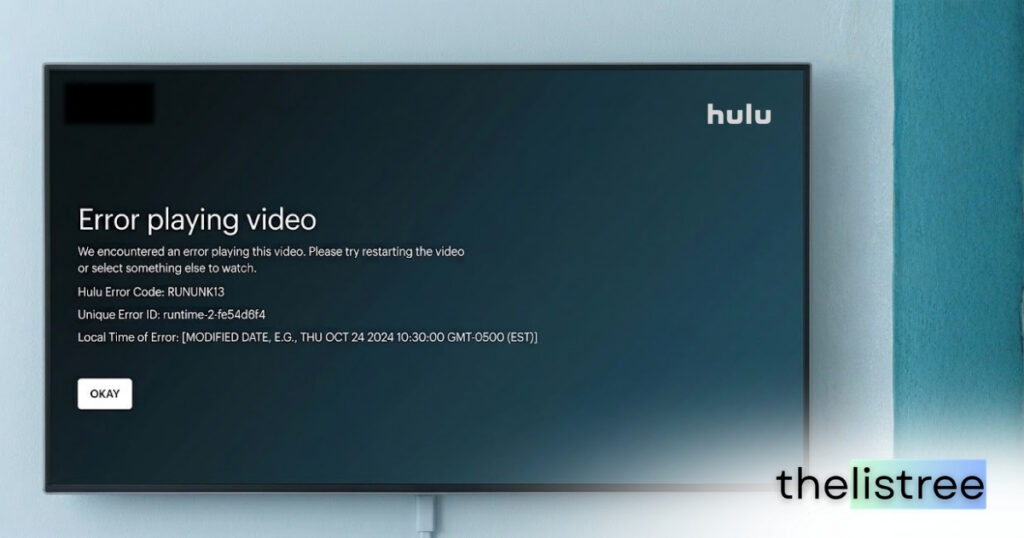
- What it means: A generic playback fault. The video player within the app has crashed unexpectedly. Corrupted local cache files or an outdated software version often cause the Hulu app to crash.
- The advanced fix: Navigate to your device’s App Store and verify Hulu is running the latest software update. Afterward, restart the device to clear its RAM.
5. Restrictions: 16, BYA-403-007, and DRM Codes (2203, 3322)
- What it means: “Invalid Region” blocks or Protected Content (DRM) handshake failures. The system has flagged your IP address as originating outside the US, or your hardware setup does not support High-bandwidth Digital Content Protection (HDCP).
- The advanced fix: Turn off any active VPNs. If viewing on a desktop PC, ensure your monitor is connected via an HDCP-compliant HDMI or DisplayPort cable. Disconnect older VGA monitors.
The Ultimate Hulu Troubleshooting Guide
If Hulu is not working despite targeted solutions, follow this fundamental diagnostic checklist in order.
TheLisTree Pro-Tip: Isolate variables by testing the Hulu app after completing each step below. This allows you to identify the exact point of failure.
Step 1: Force Close the Application
Pressing the “Home” button suspends an app; it does not terminate it. You must clear the application from your device’s active memory.
- Roku/Fire TV/Smart TVs: Navigate to the device settings menu, locate the application manager, select Hulu, and execute a “force stop” command.
Step 2: The 60-Second Power Cycle
Power cycle your streaming hardware. Unplug your TV, console, or streaming box directly from the physical wall outlet for 60 seconds. This drains the motherboard’s capacitors, clearing temporary memory and forcing a clean boot sequence.
Step 3: Refresh Your Local Network
Wi-Fi packet loss is the primary culprit for streaming errors.
- Disconnect power from both your modem and your Wi-Fi router for one full minute.
- Reconnect the modem first, allowing it to establish a connection with your ISP. Once stable, reconnect the router.
Step 4: Purge Application Cache and Data
As the Hulu app runs, it continuously downloads temporary codes and images to a cache directory.
- How to clear Hulu cache on Fire TV: Settings > Applications > Manage Installed Applications > Hulu > Clear Cache & Clear Data.
- Android TV OS: Settings > Apps > Hulu > Clear Cache.
Step 5: Force Device Deactivation
- Navigate to Hulu.com on a secondary device (like a laptop).
- Access your profile and click Account.
- Scroll to “Watch Hulu on Your Devices” and select “Manage Devices.”
- Locate the problematic device and click “Remove,” then log back in on your TV.
Frequently Asked Questions
If you suspect an outage, visit official Hulu support channels on X (Twitter) or use third-party tools like Downdetector to see if others are reporting similar server-side issues.
This error relates to account authentication conflicts. Reinstalling the app or logging out and back in forces the system to generate a new authentication token, which usually resolves the issue.
Yes, Hulu actively identifies and blocks IP addresses associated with VPNs to enforce geo-restrictions. Using a VPN will frequently trigger Error 16 or Error BYA-403-007.
Hulu requires a minimum download speed of 3 Mbps for standard library streaming, 8 Mbps for Live TV, and 16 Mbps for 4K content. Run a free speed test on your device’s browser to verify your connection.