
Are you looking to manage multiple social media accounts, scale your affiliate marketing campaigns, or scrape data without triggering automatic blocks and security captchas?
In recent years, web security has reached an all-time high. Anti-fraud systems no longer just look at your IP address; they analyze your complex digital fingerprint. This includes hardware specifications, browser components, Canvas and WebGL rendering, and even behavioral micro-movements.
If you are running professional online workflows, a standard web browser and VPN are no longer enough. You need an anti-detect browser.
In this guide, we will break down what anti-detect browsers are, review the top options today, and outline the key features you need to consider before making a choice.
What is an Anti-Detect Browser?
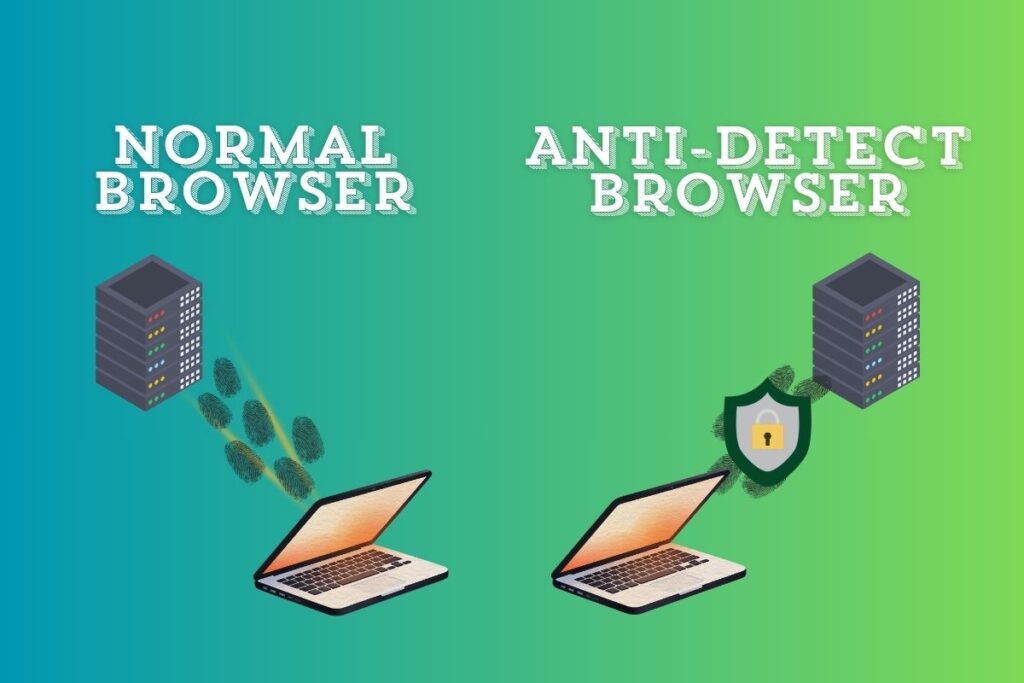
An anti-detect browser is a specialized tool that allows users to create and manage multiple browser profiles, each with its own isolated and unique digital fingerprint.
Instead of hiding your browser details (which flags you as suspicious to anti-fraud systems), an anti-detect browser creates a realistic, consistent browser environment. To target websites like Facebook, Amazon, TikTok, or eBay, every profile looks like a completely different user using a distinct computer and network.
The Best Anti-Detect Browsers
Here is a comprehensive breakdown of the top anti-detect browsers currently leading the industry:
1. Multilogin (Best for Enterprise & High-Stakes Operations)
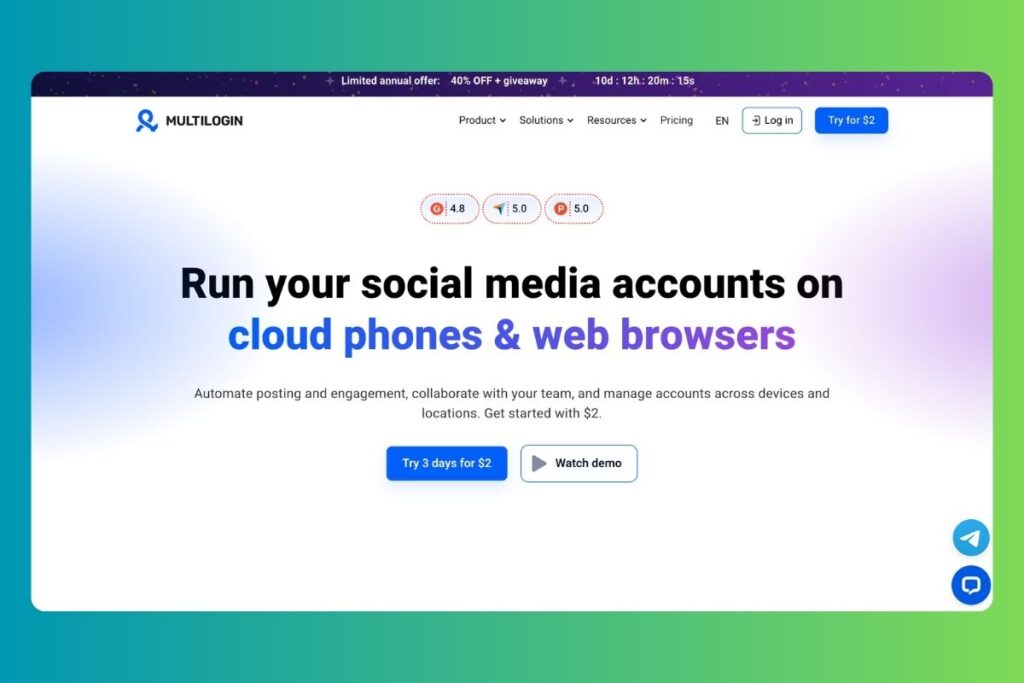
Multilogin is the pioneer of the anti-detect industry and remains the gold standard for large businesses and agencies.
- Key Features: Granular fingerprint control, absolute data encryption, excellent team profile sharing, and a long record of security with zero database breaches.
- Best For: Enterprise-grade account management, large media buying agencies, and high-budget projects.
- Pricing: Premium pricing model.
2. Octo Browser (Best for Speed & Advanced Fingerprints)
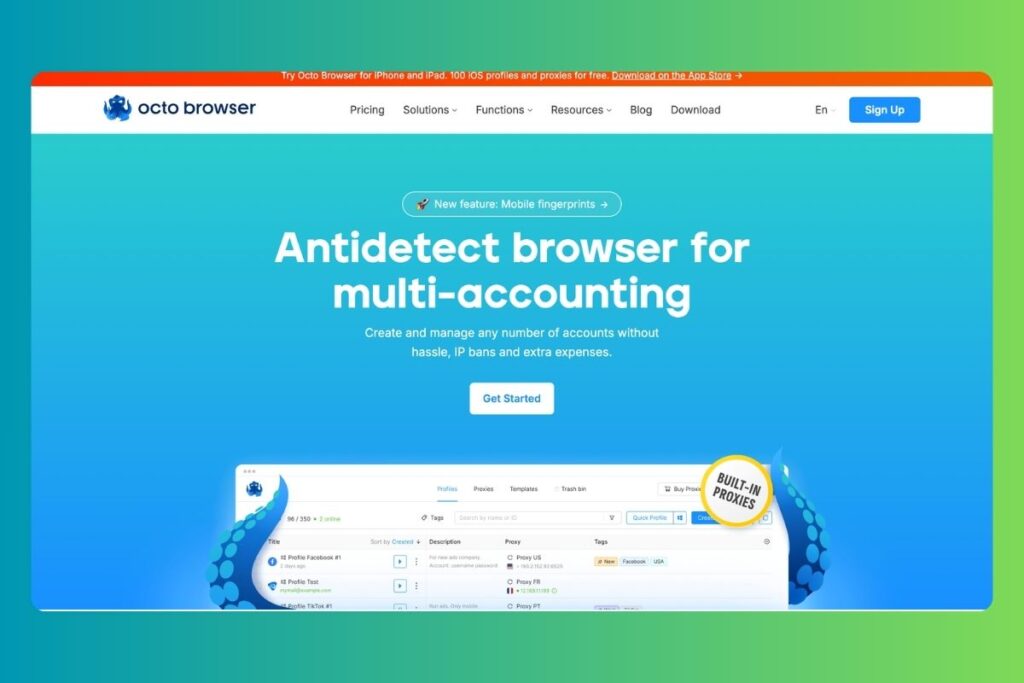
Octo Browser is widely popular for its raw performance, speed, and modern user interface. It focuses heavily on fast profile launching and robust security against complex hardware detection.
- Key Features: Advanced Chromium core updates, fast cloud synchronization, detailed API documentation for developers, and easy proxy bulk importing.
- Best For: Professional affiliate marketers, crypto bounty hunters, and developers who automate browser tasks.
- Pricing: Mid-to-high tier pricing.
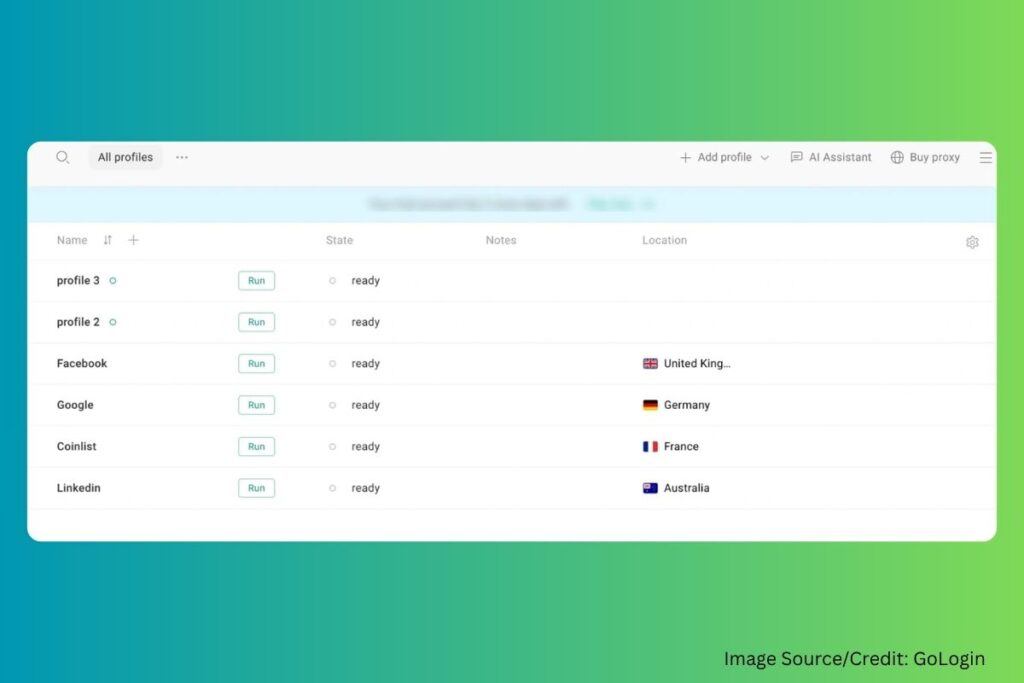
3. GoLogin (Best All-Rounder & Ease of Use)
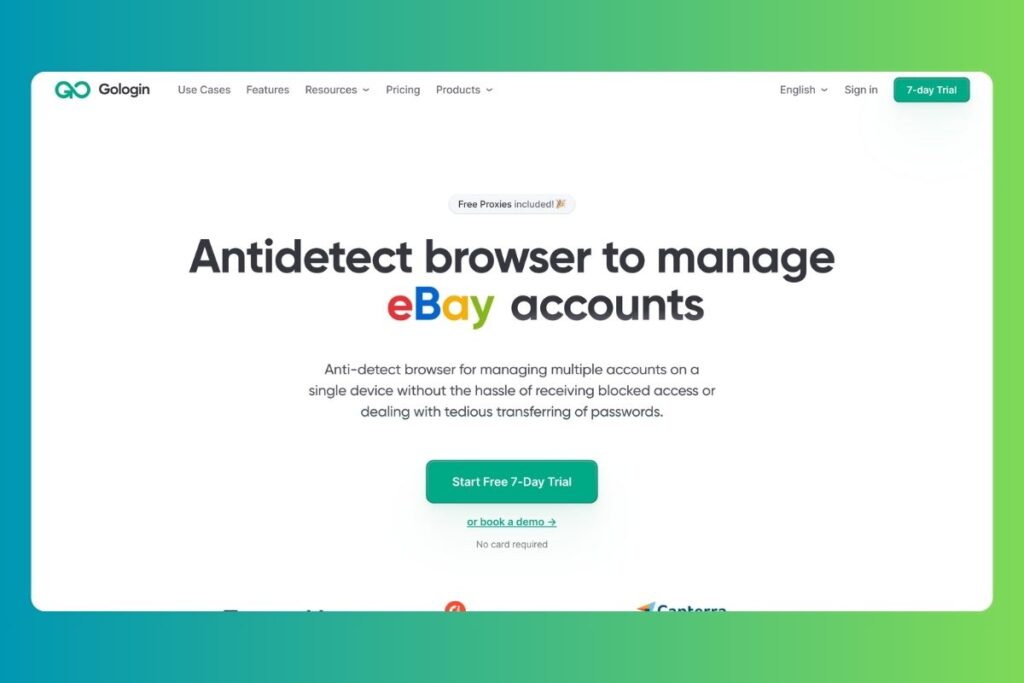
GoLogin is highly recommended for individual users and small teams looking for a balanced, cost-effective solution with an intuitive interface.
- Key Features: Built-in free proxies, cloud-profile web version (you can run profiles in a standard browser without installing the app), Android app support, and a user-friendly design.
- Best For: Beginners, solo marketers, and e-commerce dropshippers.
- Pricing: Very competitive pricing with a free trial tier.
4. AdsPower (Best for Large-Scale Automation)
AdsPower is the market leader for bulk operations and workflow automation. It is designed to run hundreds or thousands of profiles efficiently.
- Key Features: Local API automation, support for Selenium, Puppeteer, and Playwright, built-in RPA (Robotic Process Automation) no-code builder, and customizable profile pricing.
- Best For: Web scraping, data mining, and massive social media bot automation.
- Pricing: Highly affordable and scalable pricing model.
5. Dolphin{anty} (Best for Social Media Marketing & Affiliates)
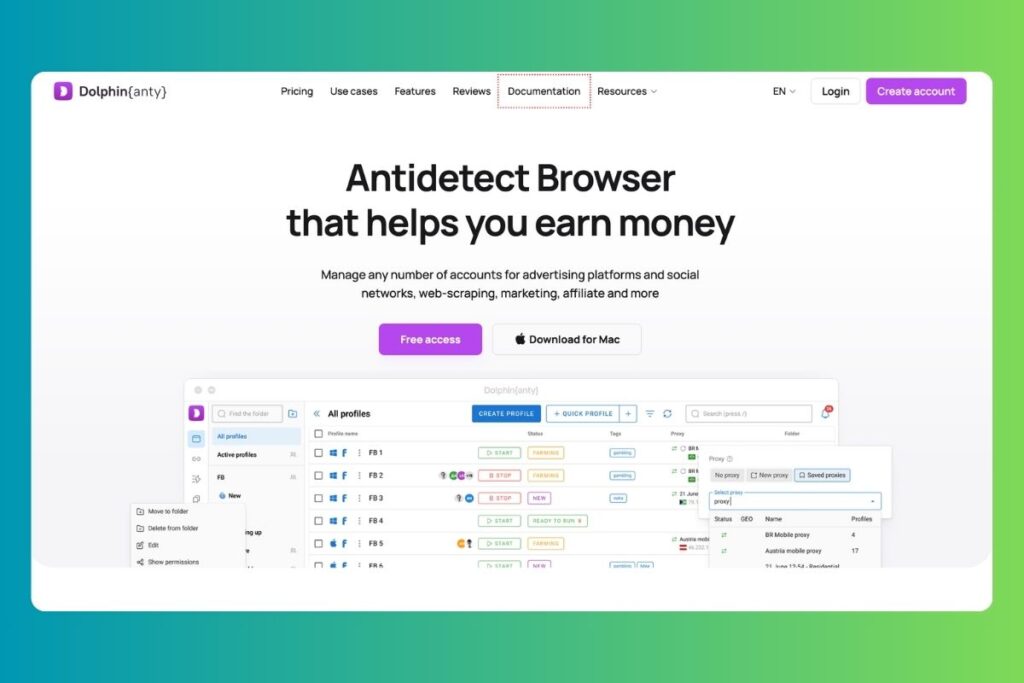
Dolphin{anty} is designed specifically for social media managers and ad buyers, featuring built-in integrations for Facebook, TikTok, and Google Ads management.
- Key Features: Browser Synchronizer (for replicating actions in multiple windows, available on paid tiers), profile tags and statuses, and a permanent free plan (up to 5 profiles).
- Best For: Facebook and Google ad buyers, affiliate marketers, and community managers.
- Pricing: Very affordable with a free-to-use tier.
6. GeeLark (Best for Mobile-Centric Workflows)
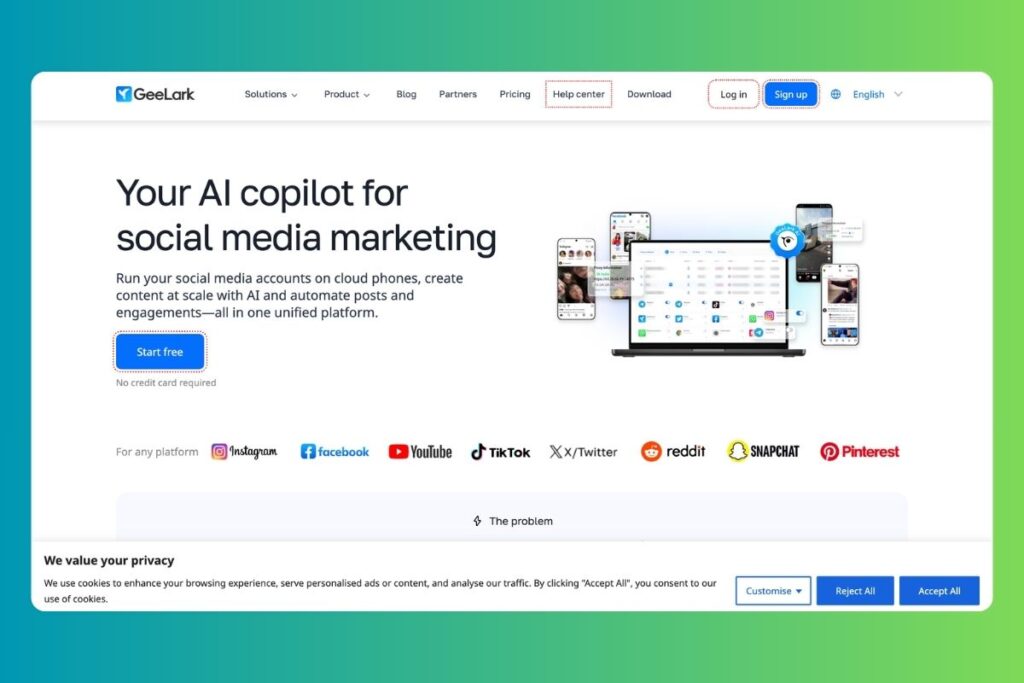
GeeLark is a specialized “anti-detect phone” platform focusing on emulating mobile environments by running profiles on cloud-hosted Android devices.
- Key Features: Real mobile hardware fingerprinting, cloud Android emulation, and bypasses TikTok/Instagram app-only verification.
- Best For: TikTok automation, Instagram account farming, and mobile app testing.
- Pricing: Subscription-based.
Key Features to Evaluate
When choosing an anti-detect browser, do not just compare the price. Look at these technical factors:
- Fingerprint Consistency: Simply randomizing parameters is not enough. If your browser says you are on macOS but your Canvas rendering shows Windows hardware, security systems will instantly flag you. The browser must ensure absolute internal consistency.
- Chromium and Firefox Core Updates: Browser cores must be updated regularly. If you are using a browser core that is six months old, websites will detect that your browser is outdated, which raises fraud scores.
- API and Automation Support: If your business model involves automated tasks, verify that the browser supports Puppeteer, Playwright, or Selenium. AdsPower and Nstbrowser are excellent choices here.
- Team Roles & Permissions: For agencies, ensure the browser supports granular permissions (Role-Based Access Control) so team members can access profiles without seeing the master credentials.
Verdict: Which Browser Fits Your Needs?
- Choose Multilogin if security is your absolute priority and you manage high-value corporate accounts.
- Choose AdsPower if you need massive scaling and no-code automation tools.
- Choose GoLogin if you want a reliable, simple interface that works across devices.
- Choose Dolphin{anty} if you are an affiliate marketer running Facebook or TikTok ads on a budget.
- Choose GeeLark if your workflow is entirely focused on mobile apps and TikTok.
Frequently Asked Questions (FAQ)
A VPN only changes your IP address and encrypts your traffic. An anti-detect browser changes your hardware settings, browser attributes, cookies, canvas fingerprints, and WebRTC settings. To manage multiple accounts, you need both: an anti-detect browser to isolate the profile, and a unique proxy (like QuarkIP) to change the IP.
Yes, anti-detect browsers are completely legal. They are privacy tools used by security researchers, data scrapers, and digital marketers. However, using them to violate a website’s Terms of Service can still result in your accounts being suspended by that platform.
Yes, almost all modern anti-detect browsers (Multilogin, AdsPower, Octo, and GoLogin) have native applications for Windows, macOS (including Apple Silicon M-series chips), and Linux.