
Whether you are an online seller, content creator, designer, photographer, or simply someone who wants better-looking photos, a reliable backdrop remover helps you create professional images without spending hours on complicated editing software. Instead of manually selecting objects pixel by pixel, AI-powered tools can automatically detect the subject and separate it from the background within seconds.
In this guide, we will explain when you need a backdrop remover, introduce a free online solution like UltraPic, and show you how to remove backgrounds from both single and multiple images step by step.
When You Need Backdrop Remover?
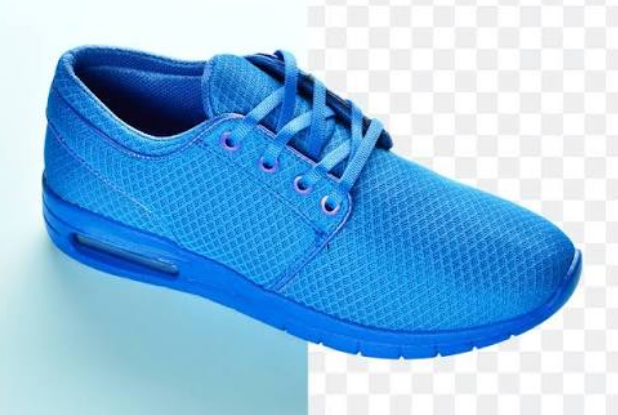
A background can completely change how an image looks and feels. Sometimes, the subject itself is perfect, but the surrounding environment makes the image less attractive. That is where a backdrop remover comes in handy.
- Creating Professional Product Images – For online stores, product photos are one of the most important factors influencing customer decisions. A cluttered or inconsistent background can make products look less professional.
- Improving Social Media Photos – Social media platforms are highly visual. A simple background change can make a regular photo look much more attractive.
- Designing Marketing Materials – Graphic designers often need isolated images for creative projects.
- Fixing Photos with Unwanted Backgrounds – Capture a great moment but notice unwanted things in the background. Instead of deleting the photo, you can use an AI backdrop remover to clean it up quickly.
Free Online Backdrop Remover – UltraPic
When it comes to quick and easy background editing, UltraPic is a convenient online AI image editing platform designed for users who want professional results without complicated software.
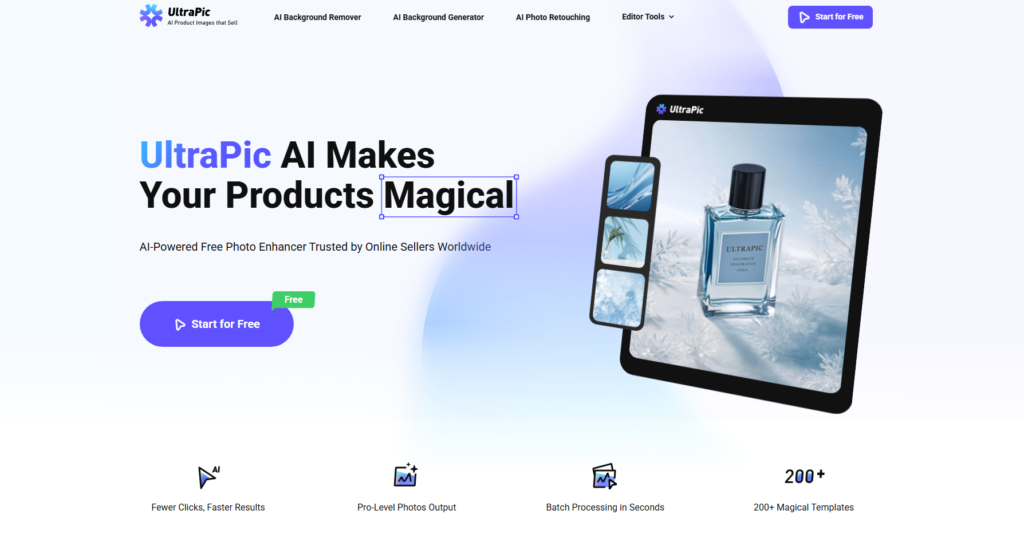
Unlike traditional editing programs that require manual selection tools, UltraPic uses AI technology to automatically recognize the main subject in an image and remove the background with minimal effort. Besides background removal, UltraPic also provides additional AI-powered editing tools to improve your images.
- AI Image Enhancement – Low-quality images can often look blurry or lack detail. It helps enhance images by improving clarity and making photos look sharper.
- Object Removal – Unwanted objects can distract viewers from the main subject. It allows users to remove unnecessary elements and create cleaner images.
- Image Upscaling – If your photo resolution is too low, image upscaling can help increase size while maintaining better visual quality.
- Creative Image Editing – Users can further customize images by adjusting visual elements and creating unique designs for different purposes.
With these features combined, UltraPic works as more than just a backdrop remover. It provides a complete online image editing solution to process product photography for Amazon and others.
How to Remove Background from Images – Single & Multiple
Removing backgrounds with UltraPic is a straightforward process. Whether you want to edit one image or process multiple pictures, you can complete the task quickly.
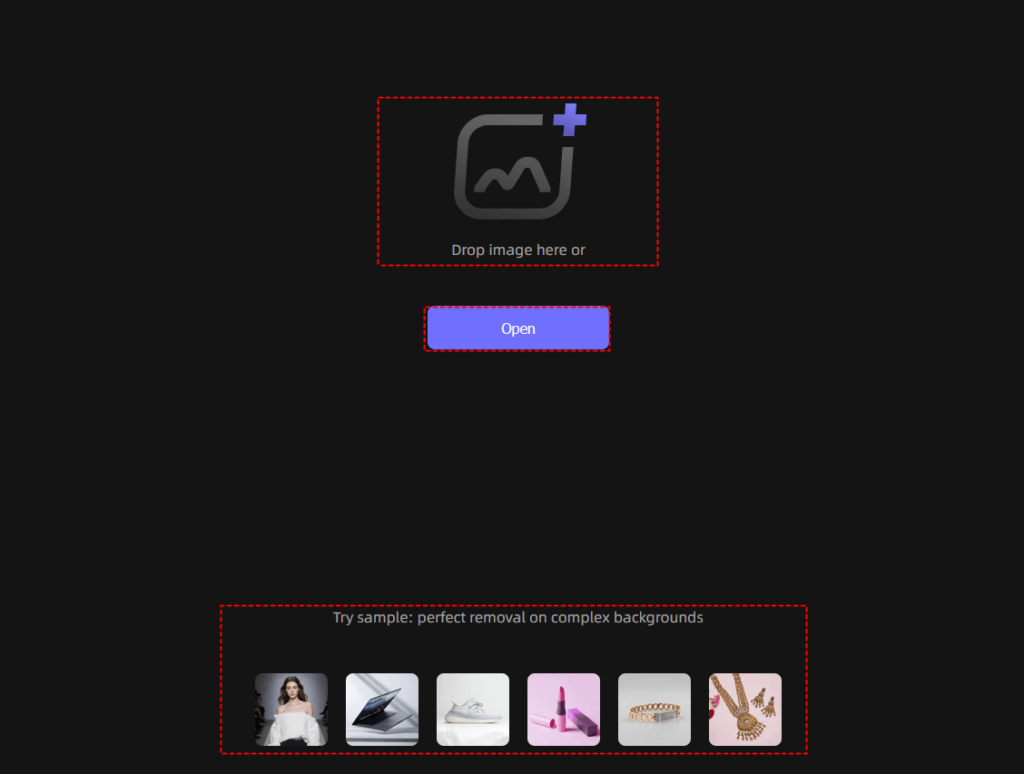
Step 1. First, open UltraPic and choose the background removal tool. Upload the image you want to edit from your computer or device.
Step 2. After uploading, UltraPic analyzes your image using AI technology. Then, it automatically removes the unwanted background and generates a transparent image.
Step 3. After the background is removed, preview the image carefully. Once you are satisfied with the result, download your image.
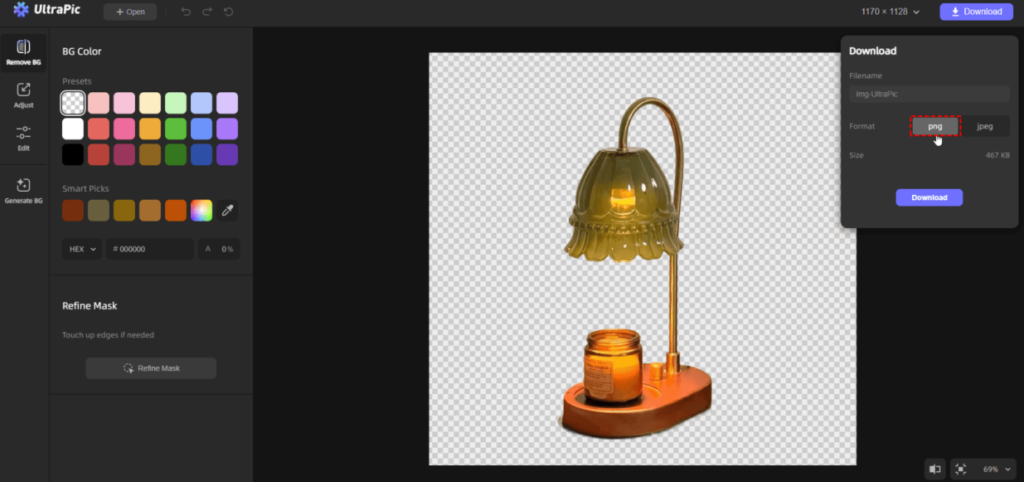
If you have many images to edit, processing them one by one can be time-consuming. Batch background removal using the Batch Editor tool can help save effort.
FAQs on Image Backdrop Removal
A backdrop remover is an AI-powered tool that removes the background from an image while keeping the main subject. It helps users create transparent images or replace backgrounds easily.
Yes. Online AI tools like UltraPic allow you to remove backgrounds without professional editing software. The process is faster and easier for beginners.
A high-quality AI Backdrop Remover should preserve image details during editing. Using high-resolution source images and exporting in PNG format can help maintain quality.
Yes. Many AI image editors support batch processing, allowing users to remove backgrounds from multiple images more efficiently.
Summary
A clean background can completely transform an image. Whether you are creating product photos, improving social media content, or designing marketing materials, an AI backdrop remover provides a fast and effective way to achieve professional results.
UltraPic makes the process simple with one-click AI background removal, accurate edge detection, high-quality output, and additional image editing features. Instead of spending time with complicated editing tools, you can upload your image, remove the background automatically, and create polished visuals within minutes.